Your desktop,
without the ini files.
Pick a preset and it's on your desktop: clocks, dates and live CPU, RAM and GPU stats, sitting above your wallpaper and below your icons. No skins to edit, no config to learn.
Windows 10 and 11 · Free forever, Pro is a one-time purchase
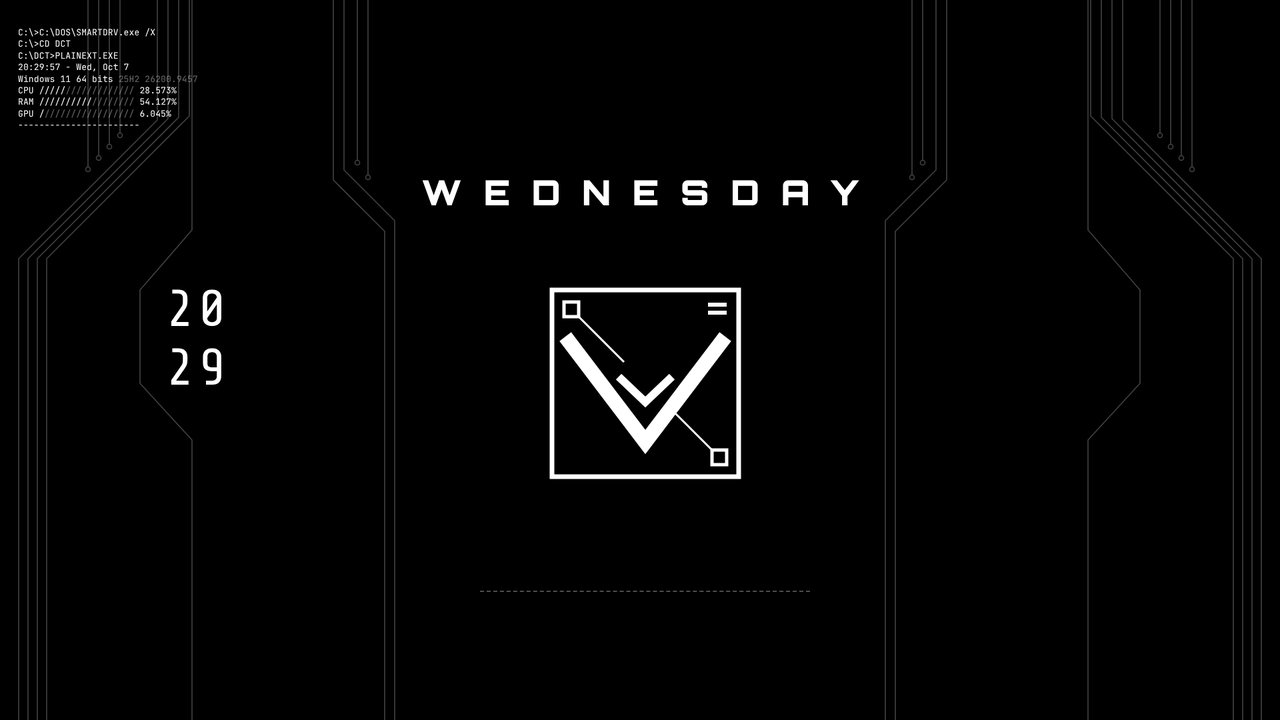
Eight looks, one click each.
Every preset is live: the time ticks, the stats move. Switch between them as often as you like.
CircuitTraces, DOS stats, stacked clock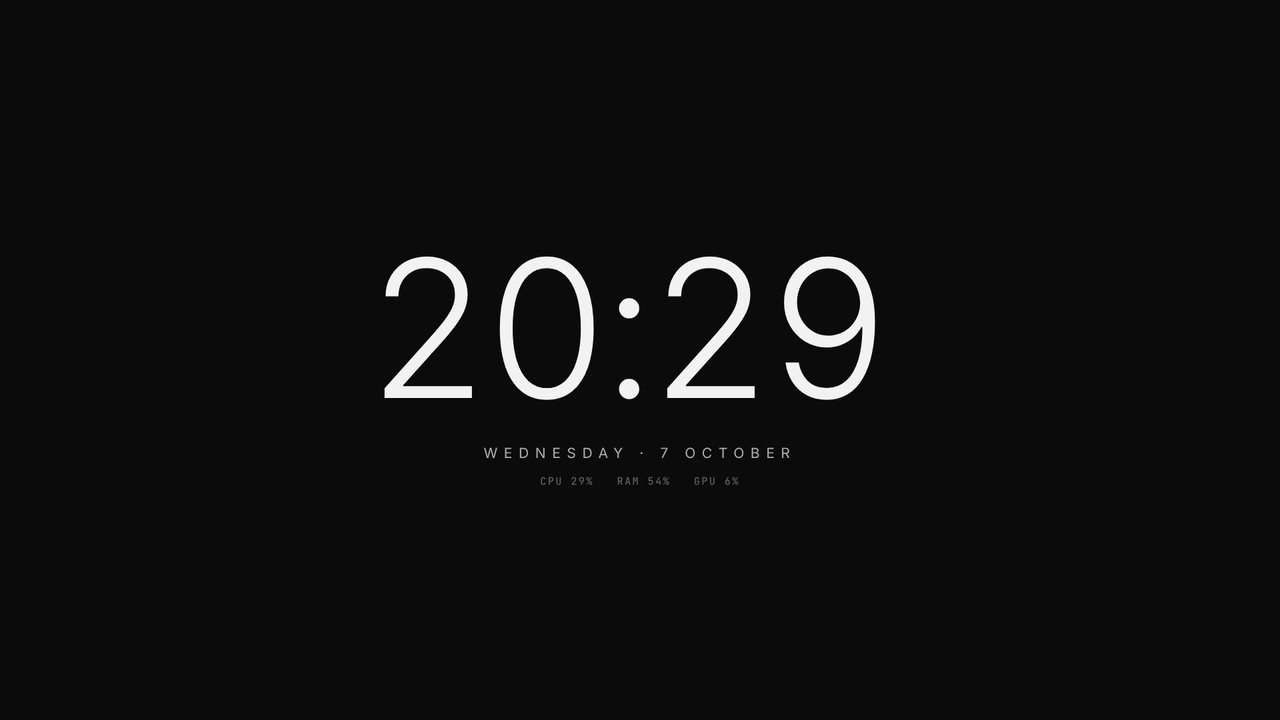 MonoOne big quiet clock
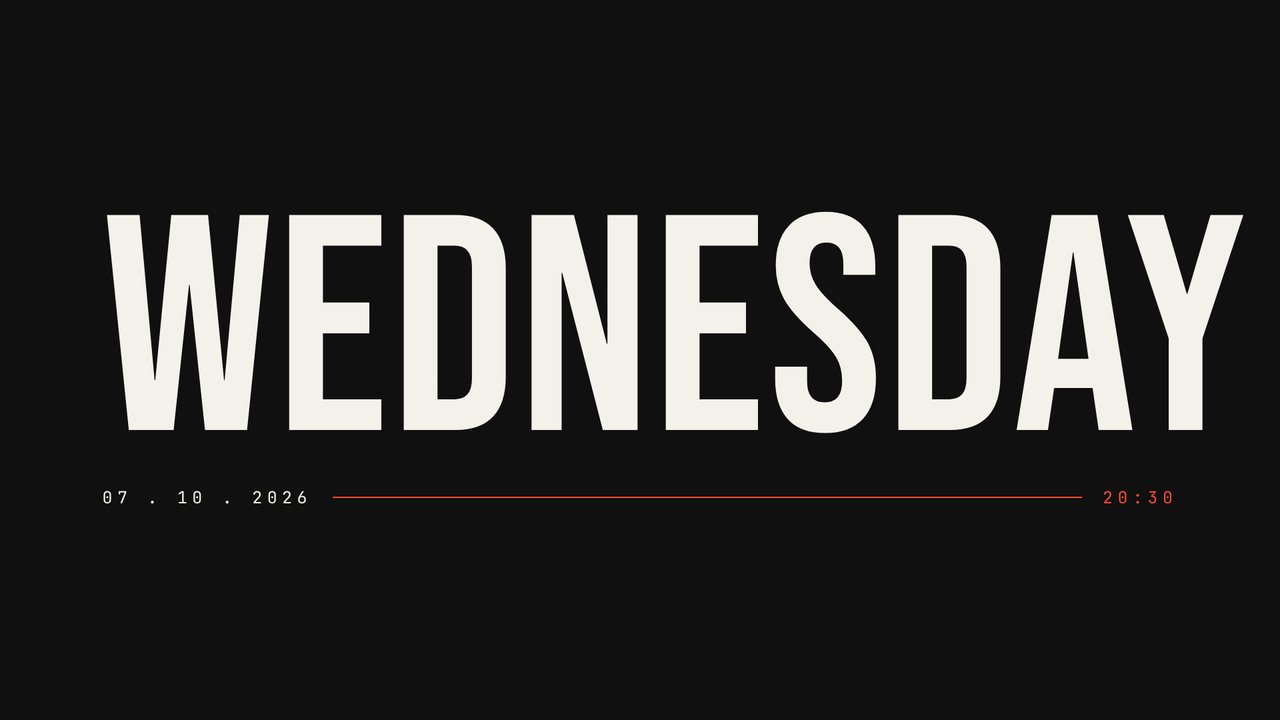 WeekdayThe day, enormous
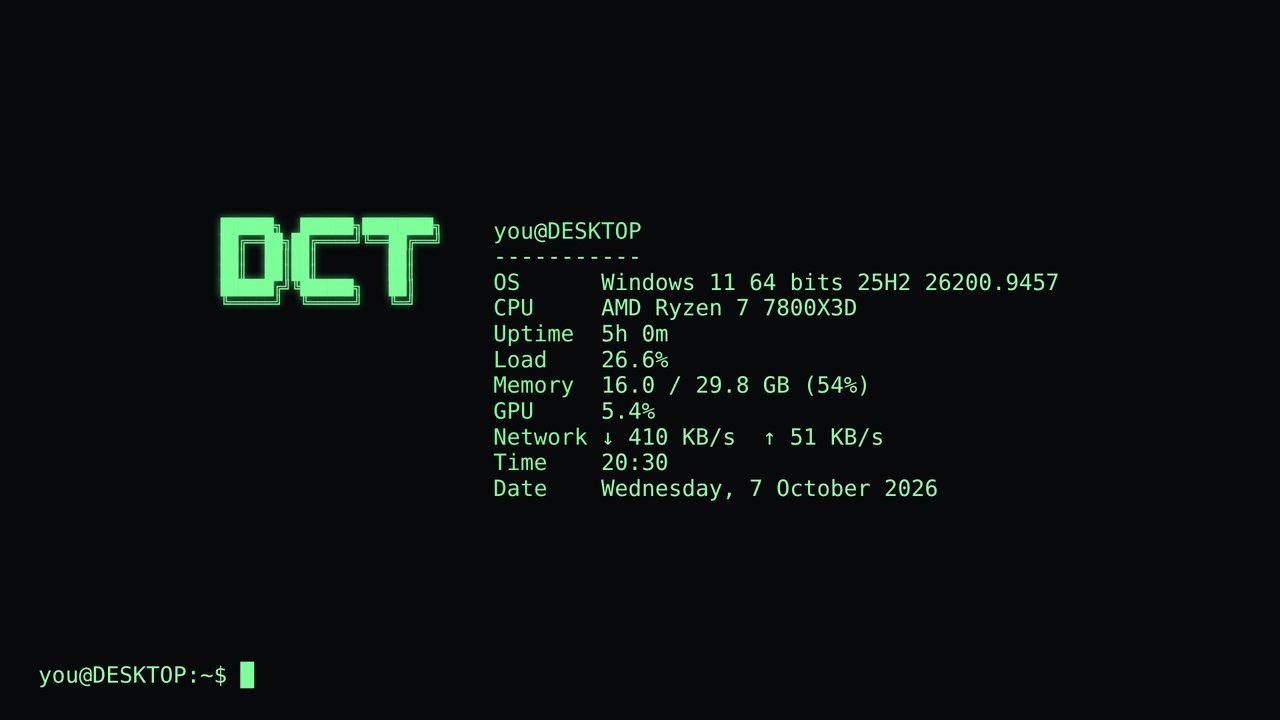 TerminalFetch-style system readout
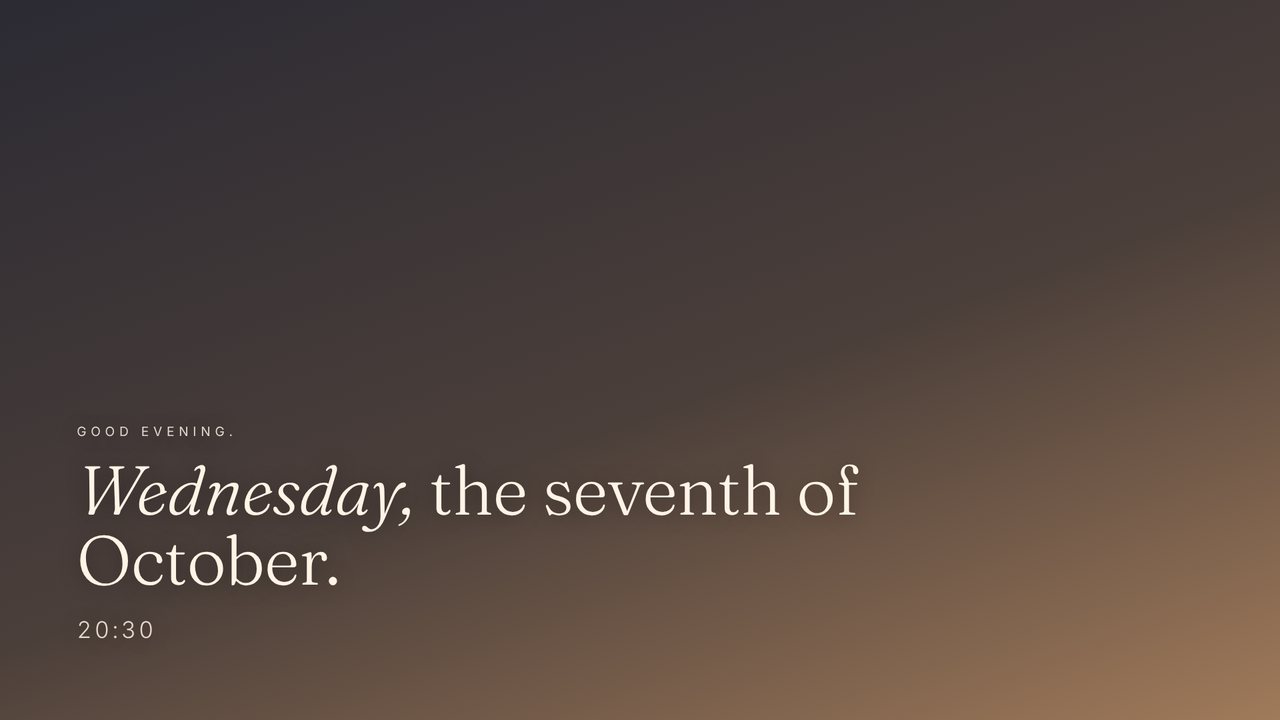 EditorialSerif greeting over your wallpaper
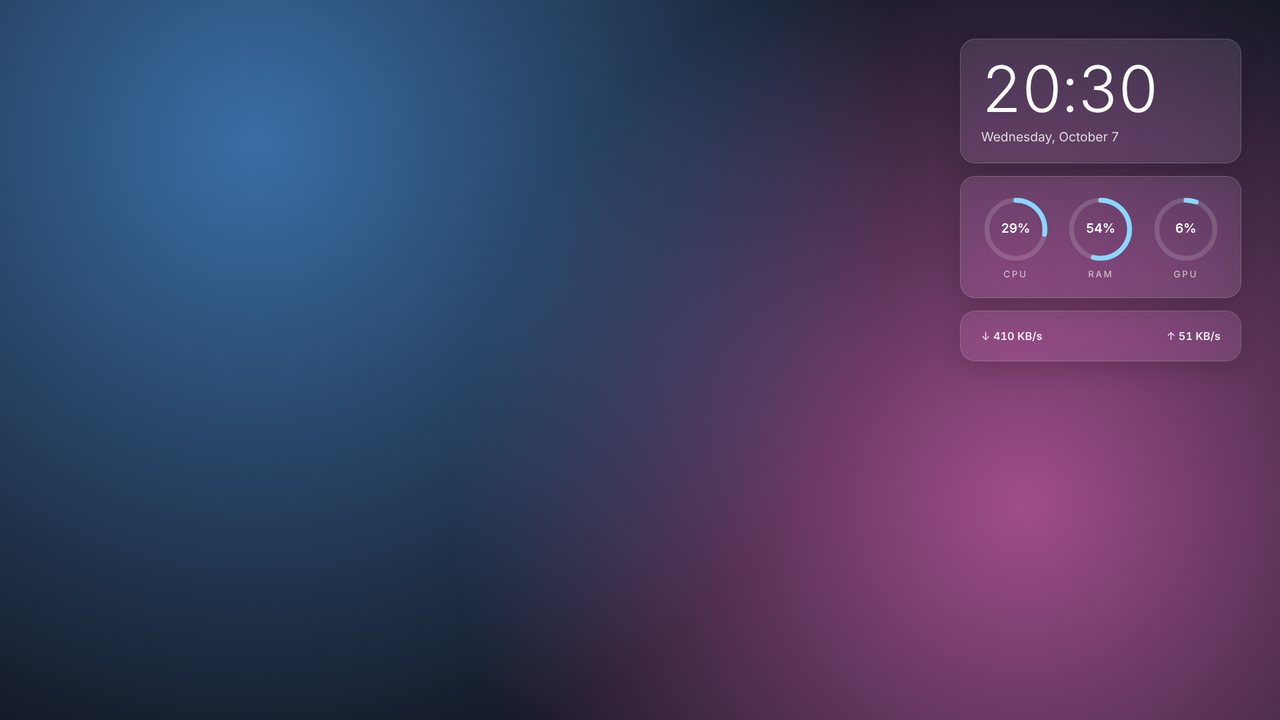 GlassFrosted cards on your wallpaper
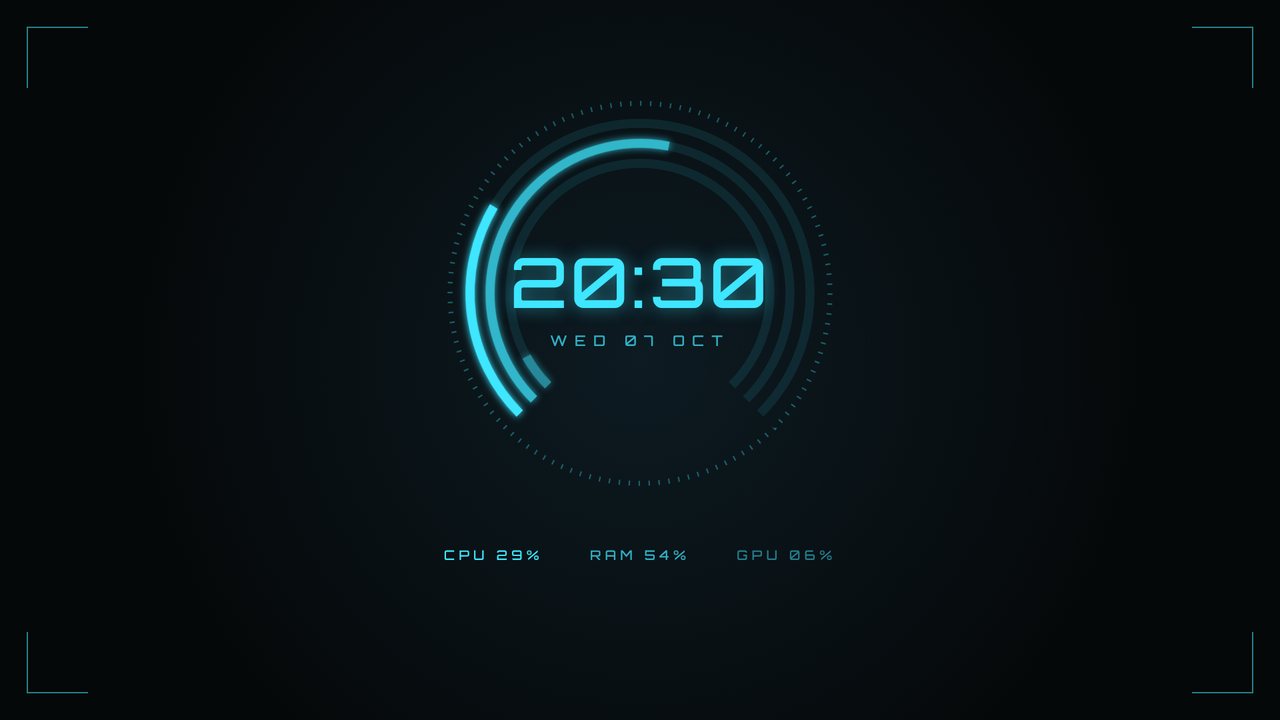 HUDGauges ringed round the time
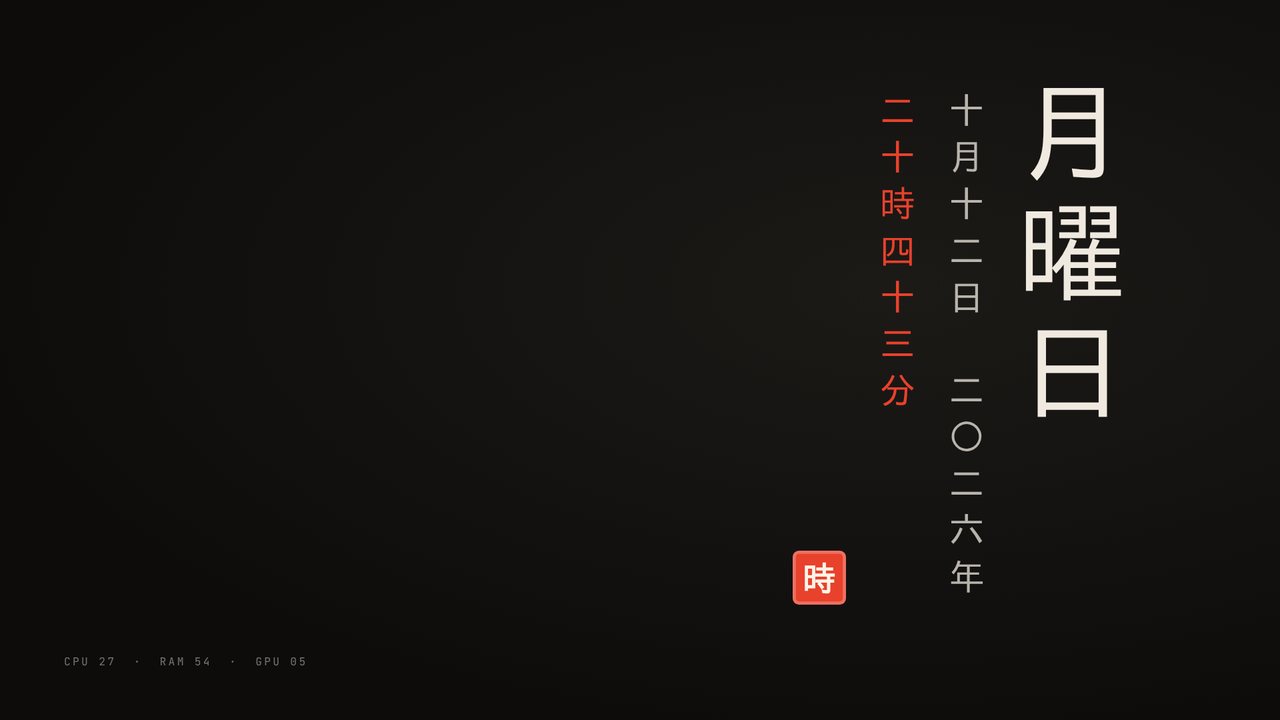 VerticalColumns in English, 日本語 or 中文
Set up in under a minute.
DCT is built for people who want a great-looking desktop, not a new hobby.
Install and open
The control panel opens with every preset previewed live.
Click a preset
It's on your desktop straight away. Change colours and options; every change applies as you make it.
Close the panel
DCT stays in the tray and can start with Windows, so your desktop is back after every reboot.
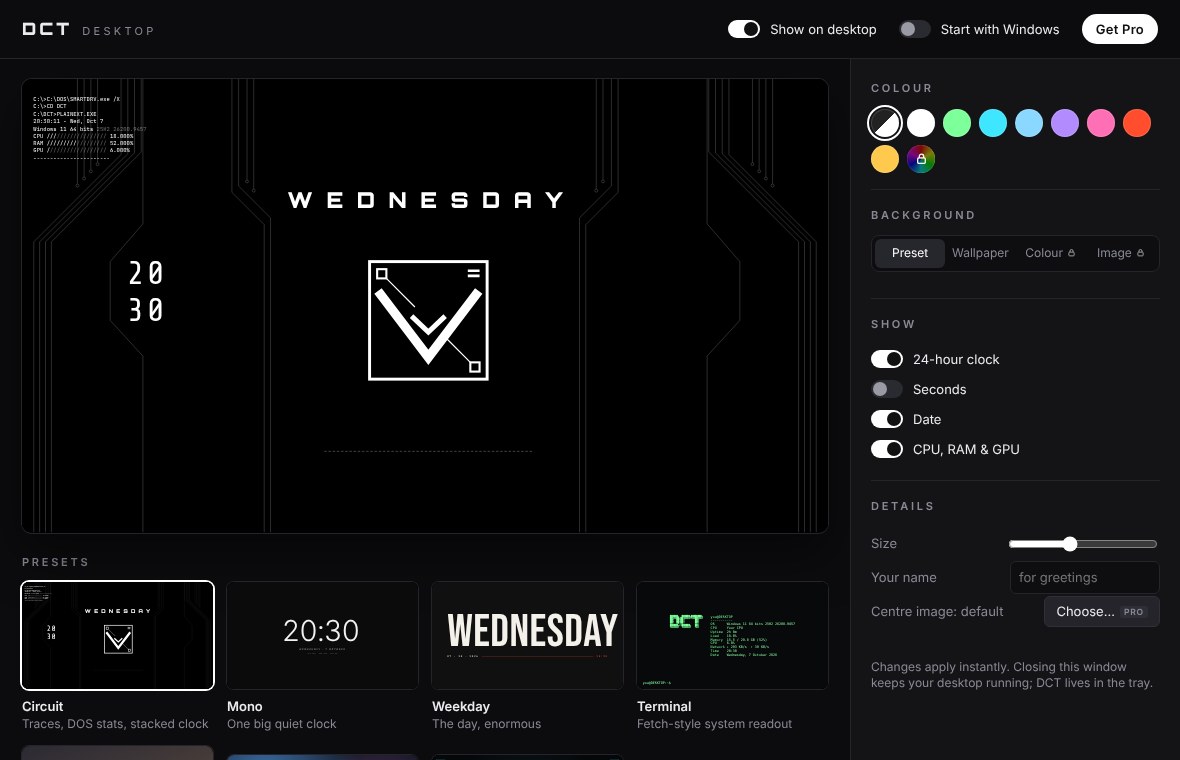
One panel. No files.
Colours, background, 24-hour clock, seconds, date and stats are all switches and swatches. Behind your icons, out of your way, exactly like a wallpaper.
Free, or make it yours.
The free version isn't a trial. Pro is a single payment, no subscription.
Free
- All eight presets, including Japanese and Chinese vertical text
- Live CPU, RAM, GPU and network stats
- Preset colours and eight swatches
- Preset or wallpaper background
- Live video wallpapers (first 10 seconds, looped)
- Clock, date and stats options
Pro
- Everything in Free
- Any colour you like
- Solid-colour and your own image backgrounds
- Live wallpapers at full length
- Any font: use your own font files
- Your own centre image on Circuit
- Use on up to 3 PCs
- Drag-and-drop editor: shapes, frosted panels, widgets anywhere
- Audio visualiser, to-do list and system monitors
Questions
What do I need to run DCT?
Windows 10 or 11, 64-bit. DCT uses Microsoft Edge WebView2, which comes with Windows; the installer adds it if it's missing.
Does it replace my wallpaper?
Only if you want it to. Presets can sit on top of your current wallpaper, use their own background, or (with Pro) a colour or image you choose. Your desktop icons stay on top and clickable.
Will it slow my PC down?
DCT redraws once a second and reads your stats on a background thread, so it stays light. You can hide it from the tray at any time.
How do I unlock Pro?
Buy Pro and you'll get a licence key by email. In DCT, click Get Pro, paste the key and press Activate. The key works on up to 3 PCs; if a new PC won't activate, email us and we'll reset it.
Can I get a refund?
Yes, within 14 days of purchase, no questions asked. See the refund policy.